 Request A Quote
 Let's Talk
 Mail Us
 WhatsApp
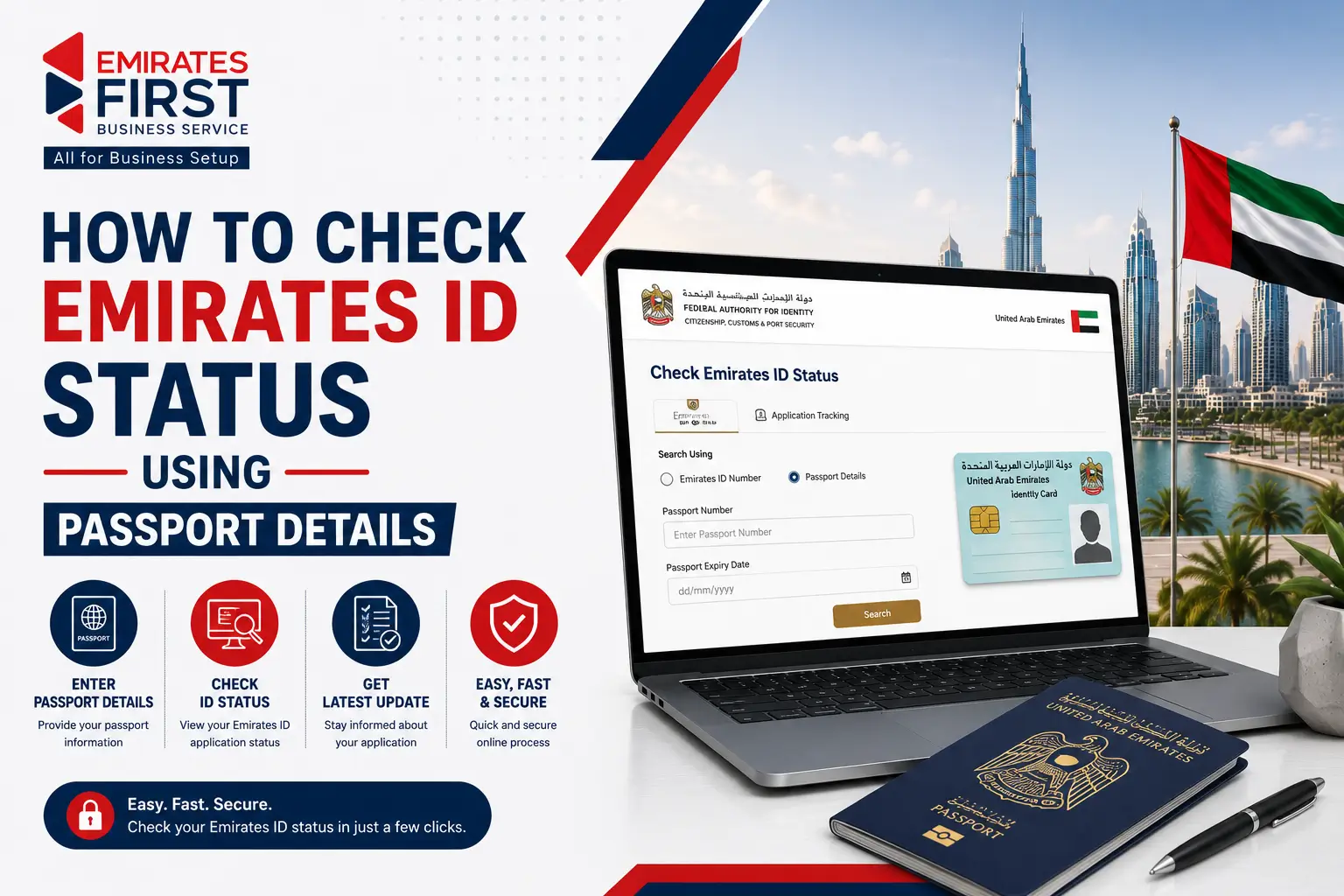
Most people don’t think about checking their Emirates ID status until something gets delayed. Sometimes the visa is already approved, but the Emirates ID update still doesn’t appear. In other cases, the medical and biometric process is completed, but the card hasn’t been printed or delivered yet. This becomes stressful when you need the Emirates ID for opening a bank account, joining a company, activating a SIM card, or completing tenancy formalities in the UAE. The good news is that checking your Emirates ID status online is fairly simple if you have your passport details or application information ready. Here’s how you can track your Emirates ID application, understand status messages, and identify possible reasons for delays.
For most UAE residents, the status check usually starts after one of these situations:
In many cases, the application is still moving internally even if there are no SMS updates for a few days.
Having these details ready can make the tracking process easier.
While passport details can sometimes help retrieve the application status, the PRAN number usually gives more accurate results because it is directly linked to the Emirates ID application.
Visit the official ICP (Federal Authority for Identity, Citizenship, Customs & Port Security) website.
Navigate to the application tracking or Emirates ID status section on the website.
You can enter:
Make sure the information matches the submitted application exactly.
Enter the captcha code or verification details displayed on the screen.
Once submitted, the system will display the latest update connected to your application. If the application was submitted recently, it may take some time before the status appears online.
| Emirates ID status | What it Means |
|---|---|
| Application Received | Your application has been submitted successfully and entered into the ICP system |
| Under Process | The application is still being reviewed internally. This stage may include document checks, biometric verification, or visa approval procedures. |
| Biometrics Pending | Fingerprint or facial verification is still required before the Emirates ID process can move forward. |
| Card Printed | The Emirates ID has been approved and moved to the printing stage. |
| Dispatched | The card has been handed over for delivery or collection processing. |
| Ready for Collection | Your Emirates ID is ready for pickup from the assigned collection point or post office. |
| No Record Found | This can happen if the application was submitted recently, details were entered incorrectly, or the visa process is still incomplete. |
Many residents assume the process will continue automatically without checking updates. But in some situations, delays go unnoticed until another service gets affected.
For example:
A quick status check every few days can help avoid unnecessary follow-ups later.
A delay in status updates does not always mean there is a problem with the application.
Sometimes updates take a few working days after fingerprints and facial scans are completed.
The Emirates ID process is connected to the residence visa system. If the visa is still under approval, the Emirates ID may not move forward.
Applications can slow down during busy periods, holidays, or high-volume processing times.
Even a small mistake in the passport number or application reference can prevent the system from displaying the correct update.
Occasionally, the online system updates later than the actual processing stage.
The ICP system may allow status tracking through passport information depending on the application stage. However, using the PRAN or application number usually gives more accurate results.
You can check your Emirates ID application status through the official ICP portal.
Processing time usually takes a few working days after biometrics and visa approval. The processing period can differ based on the type of application.
This can happen due to biometric delays, pending visa approval, public holidays, or system update delays.
It means your Emirates ID has been approved and moved to the printing stage.
It means the Emirates ID has been sent for delivery or collection.
Some applicants may be able to check their status using passport information. But the PRAN number is generally more reliable for tracking applications.
Check whether the entered details are correct. If the application was submitted recently, wait some time and try again later.
Yes, the Emirates ID process is connected to the UAE residence visa application and approval process.
Yes, applicants under a Dubai Free Zone visa usually follow the same Emirates ID application and tracking process after visa approval.
Checking your Emirates ID status online doesn’t take long, but understanding the updates properly can save a lot of confusion during the UAE residency process.
Whether you applied independently or through a Dubai Free Zone visa package, keeping track of the application helps you respond faster to delays, missing documents, or delivery updates.
If the status hasn’t changed for an unusually long time, contacting ICP support or checking with your visa processing agent is usually the next best step.
EFirst supports businesses, investors, and professionals across the UAE with company formation, visa processing, and residency assistance. Working with experienced UAE business setup consultants can make procedures like Emirates ID applications and tracking much easier to manage.




© 2026 Emirates First Business Service LLC. All Rights reserved.


